
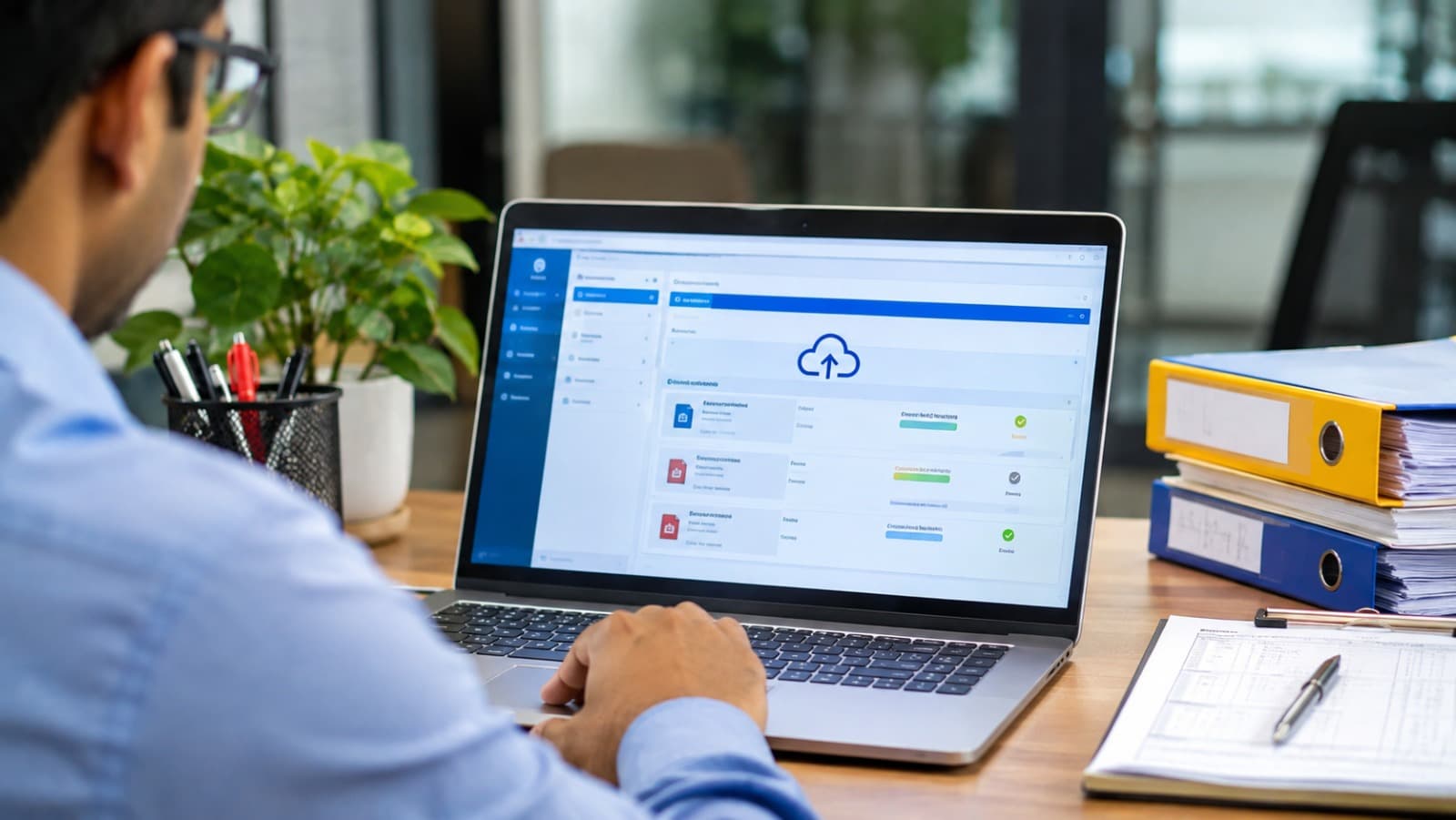
eSanchit Complete Guide India: What It Is, How to Submit, and How to Automate It
Every CHA operator learns eSanchit's rules the hard way. The 1 MB limit shows up when a scanned 20-page invoice won't upload. The signature rule shows up when the person logged in isn't the person whose DSC signed the file. And the ten-minute rule shows up when a freshly generated IRN won't link to the Bill of Entry.
Short answer: What is eSanchit and how do you submit documents on it?
eSanchit is ICEGATE's system for uploading the supporting documents for a Bill of Entry or Shipping Bill, so customs can process them without paper. You log in to ICEGATE, upload up to five PDF files at a time, each digitally signed with your registered DSC, choose a document type for each, and submit. The system issues an IRN for every document, which you quote with its document code in the Bill of Entry or Shipping Bill. The invoice and the bill of lading or air waybill must be uploaded for every Bill of Entry.
What eSanchit Is, and When It Became Mandatory
eSanchit, short for e-Storage and Computerised Handling of Indirect Tax Documents, is the part of ICEGATE where supporting documents live. Instead of carrying a file to the appraiser, you upload the invoice, bill of lading, packing list, certificates, and licences once, digitally signed, and refer to them in the Bill of Entry or Shipping Bill. The assessing officer, often a faceless one in another city, reads them from there.
It grew in stages:
When | What changed | Source |
|---|---|---|
October 2017 | Pilot launched for imports | |
15 March 2018 | Uploading supporting documents made mandatory for Bills of Entry at Nhava Sheva, after voluntary use at all EDI locations from February 2018 | Same |
2018 | From 1 October 2018, agencies issuing licences, permits and certificates move to uploading them directly | |
8 November 2018 | eSanchit extended to Shipping Bills at all ICES locations | |
2 December 2019 | IRNs for the invoice and bill of lading or air waybill required on every Bill of Entry | |
2020 | Lists of documents to upload for exemptions and compliance requirements | |
2025 to 2027 | SWIFT 2.0 brings agency NOCs and certificates onto one digital dashboard, with all agencies due by 31 March 2027 |
One rule hasn't changed. Uploading a document doesn't end your duty to keep it. The original supporting documents still have to be kept for five years.
eSanchit File Requirements: Format, Size, Resolution and Signing
Most eSanchit failures come from a file that breaks one of these rules. They're set out in ICEGATE's eSanchit process guide for IEC users and its FAQs.
Rule | What eSanchit expects |
|---|---|
Format | PDF only, ideally PDF/A (ISO 19005-2) created from the source file rather than scanned |
File size | 1 MB maximum per file, which is roughly 13 pages |
Size per page | No more than 75 KB per A4 page |
Scan resolution | At least 200 dpi in black and white |
Files per document | One document per PDF. Split a large document across two or more files |
File names | Every file in an upload needs a different name |
Batch size | Up to 5 files per upload |
Signature | Each PDF digitally signed with a DSC registered on ICEGATE, by the same user who is logged in |
Scan quality | No staple or punch marks over text, no skew, folds or dark patches |
Document type codes
Every file needs a document type, chosen from ICEGATE's code directory. The ones you'll use most on imports are 380000 for the commercial invoice, 331000 for an invoice cum packing list, 705000 for a bill of lading, 704000 for a master bill of lading, 714000 for a house bill of lading and 740000 for an air waybill. Choosing the wrong code is legal but unhelpful: the officer can't find the document and raises a query anyway.
IRN and DRN
Each uploaded document gets its own IRN, and up to five IRNs are grouped under one DRN. The Bill of Entry needs the individual IRNs, not the DRN. Once submitted, a document can't be deleted, so check it before you sign.
Read how CHA firms scale without adding headcount, or see XEMI for importers.
How to Submit Documents on eSanchit, Step by Step
Only users registered on ICEGATE with a DSC can upload: importers, exporters and customs brokers.
1. Prepare the files. One document per PDF, under 1 MB, legible, and named uniquely.
2. Log in to ICEGATE and open eSanchit. Choose Upload Documents.
3. Select up to five files. Pick the document type for each from the drop-down.
4. Sign each file. Use the DSC registered to the user who is logged in. The submit button only appears once the files are uploaded, typed and their signatures verified.
5. Submit and accept the disclaimer. ICEGATE shows the IRN for each document and the DRN for the batch, and emails them to you.
6. Wait before you link. Give it at least ten minutes after the IRN is generated before quoting it.
7. Link the documents in the Bill of Entry or Shipping Bill. In the supporting documents table, enter each IRN with its document type code, the issuing party, the document's reference number and date, and the beneficiary. If a document covers all items, enter 0 for the invoice and item numbers.
Which documents to upload
For every Bill of Entry, upload the commercial invoice, the bill of lading or air waybill, and the packing list (or an invoice cum packing list). Beyond that, it depends on the goods: a certificate of origin for an FTA claim, licences for restricted items, test reports or certificates for compliance requirements, and the documents that support any exemption you claim, as listed in the annexures to Circular 55/2020. Certificates issued by agencies such as FSSAI or plant quarantine are increasingly uploaded by the agencies themselves.
Finding an old document
Documents uploaded in the last 30 days open straight away. Older ones are archived. A retrieval request takes about an hour, and the document then stays available for seven days. Worth knowing before an auditor asks for something from last year.
eSanchit for Shipping Bills, Agency Documents and CHA Uploads
For exports, eSanchit works the same way. Since Circular 43/2018, digitally signed supporting documents can be uploaded for Shipping Bills at every ICES location, and the originals must be kept for five years from the date the Shipping Bill is accepted.
Agency documents are moving off your desk. Under Circular 35/2018, dated 1 October 2018, agencies that issue licences, permits and certificates upload them to eSanchit themselves, and the IRN is emailed to the importer or exporter's registered ICEGATE address. Once an agency is on this route, you can't upload its documents yourself, so watch your ICEGATE inbox for the IRN rather than scanning the certificate.
CHAs can upload on a client's behalf. Customs brokers registered on ICEGATE upload under their own login and DSC. The catch is the signature rule: the person signing must be the person logged in, so a shared login with one DSC breaks as soon as a second operator signs.
A five-minute check before every upload
- Is each file a single document, under 1 MB and readable when zoomed out?
- Does the invoice number on the PDF match the invoice number in the Bill of Entry?
- Is the document type the right code, not the nearest one?
- Are you signing with your own registered DSC?
- Is there anything an agency should be uploading instead?
Want IRNs that drop straight into the Bill of Entry, without copying them across? Request a Demo →
Common eSanchit Errors and How to Fix Them
What you see | The usual cause | The fix |
|---|---|---|
The file won't upload | Over 1 MB, or not a PDF | Split it, or rescan at 200 dpi in black and white, and convert to PDF |
Invalid digital signature | The DSC isn't registered on ICEGATE, the file wasn't signed, or it was signed by someone other than the logged-in user | Register the DSC, and sign with the logged-in user's own certificate |
The signing utility won't run | Token drivers or the signing utility out of date | Update the drivers and restart the signing utility, and check the DSC is still valid |
Upload rejected for a duplicate | Two files in the batch with the same name, or the same document uploaded twice | Rename the files, and check what's already been uploaded |
IRN not accepted in the Bill of Entry | Linked within ten minutes of generation, or the DRN entered instead of the IRN | Wait, and quote the individual IRN |
Query from the assessing officer | Wrong document type, an illegible scan, or a required document missing | Upload the right document and reply in the query module |
Wrong document uploaded | Submitted documents can't be deleted | Upload the correct file and link its IRN. The wrong one simply stays unlinked |
Every one of these costs time on a job that's often already up against a filing deadline. Two of them, the missing document and the wrong document type, don't show up until an officer is looking at your Bill of Entry. For more on the filing side, read our guide to ICEGATE flat file errors and our article on the document errors behind most customs holds.
Spending evenings splitting PDFs and re-signing uploads? See how XEMI handles eSanchit inside the filing workflow. See How It Works →
eSanchit Automation Software India: How XEMI Takes the Upload Work Off Your Desk
The eSanchit portal works one batch of five files at a time, with a signature on every file and IRNs to copy into the Bill of Entry by hand. For a CHA handling dozens of jobs a day, that's hours of work that needs no customs knowledge at all.
If you're looking at eSanchit automation, check that the software does these things:
- Reads and classifies the documents, so each gets the right document type without someone choosing from a list.
- Signs several documents in one go with a registered DSC.
- Submits to eSanchit and brings the IRNs back automatically.
- Puts those IRNs straight into the Bill of Entry or Shipping Bill, so nothing is retyped.
- Keeps every document with its job, so you're not waiting an hour for an archived file.
XEMI is an AI-powered trade collaboration platform for importers, exporters, CHAs and freight forwarders. XEMI Clear, its customs automation module, does all of that inside the filing workflow:
- Documents read and sorted. XI, XEMI Intelligence, reads the bill of lading, invoice, packing list, certificate of origin and other documents in any format, classifies them and extracts the data for the job.
- Signing without the queue. Web-based DSC signing handles several documents together.
- eSanchit submission built in. Documents are submitted to eSanchit from XEMI, and the IRN and DRN come back and update automatically.
- Straight into the filing. The IRNs are carried into the Bill of Entry or Shipping Bill, which XEMI files to ICEGATE without a portal login.
- Kept with the job. Every document stays with its shipment in XEMI Vault for seven years.
75 minutes to 11 minutes
That's the total customs workflow time per job, averaging 30 line items, on XEMI, with eSanchit uploads included.
XEMI doesn't change eSanchit's rules. Customs still expects legible, correct documents, and a bad scan from a supplier is still a bad scan. What changes is that your operators stop doing the clicking, signing and copying around it.
Import team tired of chasing documents for every Bill of Entry? See how XEMI keeps them all with the shipment. Request a Demo →
FAQ
Frequently asked questions
What is eSanchit in customs?
It's ICEGATE's system for uploading digitally signed supporting documents for Bills of Entry and Shipping Bills, so customs can process them without paper. It has been mandatory for Bills of Entry since 2018.What is the file size limit on eSanchit?
1 MB per file, in PDF format, ideally PDF/A. Scans should be at least 200 dpi in black and white and no more than 75 KB per page, so split larger documents into several files.What is the difference between IRN and DRN in eSanchit?
Each uploaded document gets its own IRN, and up to five IRNs are grouped under one DRN. You quote the individual IRNs in the Bill of Entry, not the DRN.Why does eSanchit say my digital signature is invalid?
Usually because the DSC isn't registered on ICEGATE, the file wasn't signed, or it was signed by someone other than the user who's logged in. Each file must be signed with the logged-in user's registered certificate.Which documents must be uploaded on eSanchit for a Bill of Entry?
The commercial invoice, the bill of lading or air waybill, and the packing list, every time. Add certificates of origin, licences, test reports and exemption documents depending on the goods and the benefits you claim.Can I delete a document after uploading it to eSanchit?
No. Once submitted, a document can't be removed. Upload the correct file and link its IRN instead.Can a CHA upload eSanchit documents for an importer?
Yes. Customs brokers registered on ICEGATE can upload supporting documents for their clients, signing each file with the DSC of the operator who is logged in.Can eSanchit uploads be automated?
Yes. Customs automation software such as XEMI classifies documents, signs them in bulk, submits them to eSanchit and carries the IRNs into the Bill of Entry or Shipping Bill automatically. Running a CHA firm? See eSanchit uploads, signing and IRN linking happen inside one workflow. [Request a Demo →](https://www.xemi.io/contact)